Skip to content
FlowFX
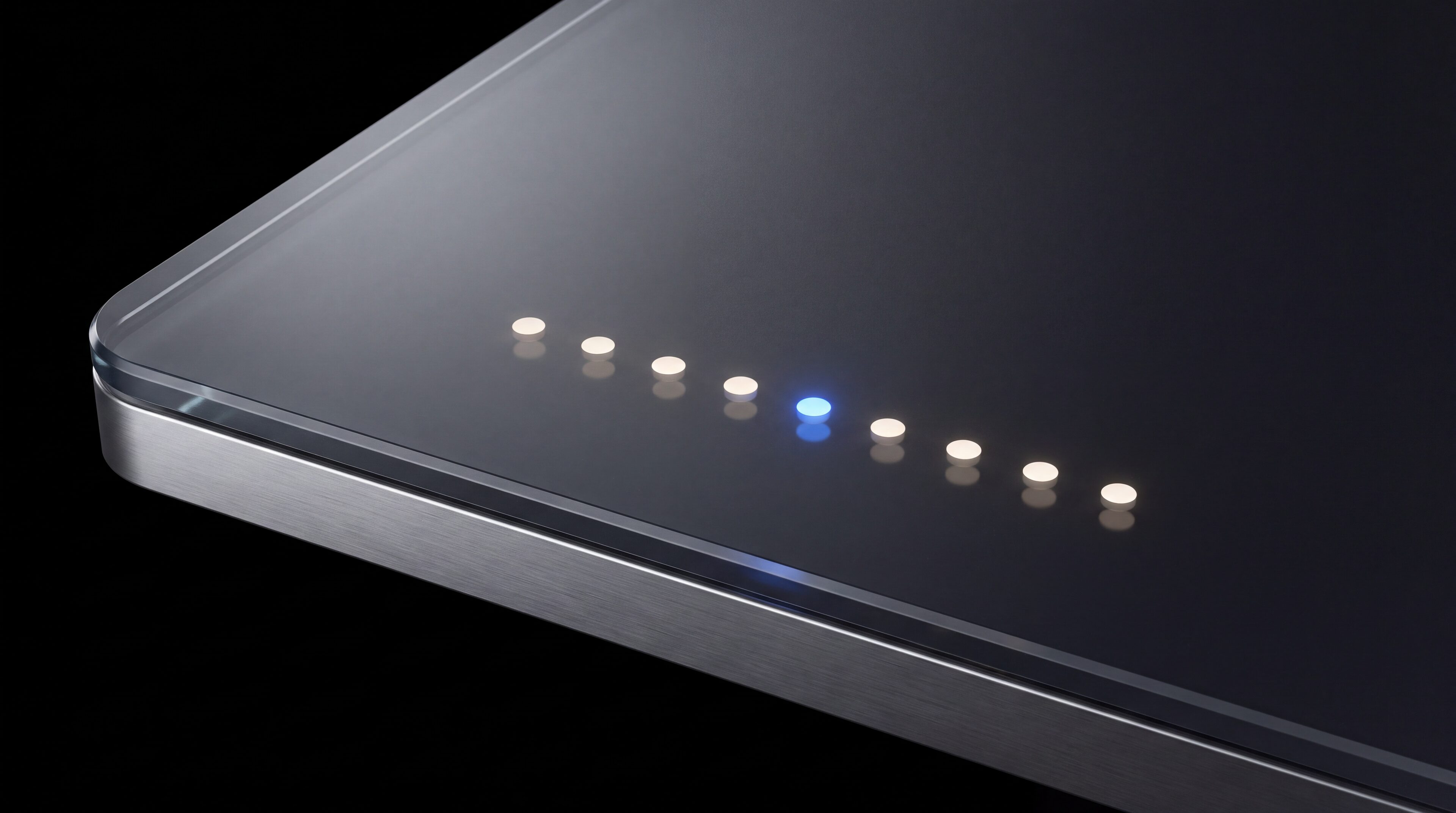
A clean row of round indicator lights embedded in dark glass, all steady

System status

Status without spin.

When systems are measured, this page shows the measurements. Until then it says so — an unmonitored green light is a decoration, not a status.

Create portal access

Registration creates a FlowFX client portal login. Trading approval follows identity verification and eligibility review.

Measured health or an honest not-yet — never decoration.

Measured

Or explicitly not yet

Timestamped

Every update

Named

Affected surfaces

Practical guidance

01

01

What a real status page owes you

Per-surface health from actual monitoring, incidents with start times and next-update commitments, maintenance announced in advance and a visible difference between “measured healthy” and “not measured”. That is the launch standard this page is built to.

  • Health from monitors, not assumptions
  • Incidents with timestamps and next update
  • Maintenance announced ahead

02

02

The surfaces that will report here

Trading platform and execution, client portal and onboarding, funding and withdrawal processing, and market data — each with its own measured state, because “everything is fine” is not a measurement.

  • Platform and execution
  • Portal and onboarding
  • Payments and market data

03

03

Incident communication, pre-committed

When something breaks after launch: name the surface, state the client impact, timestamp the start, commit to the next update and publish the resolution. No euphemisms, no silent recoveries.

  • Impact stated plainly
  • Next-update commitments kept
  • Resolutions published, not implied

Keep exploring

Operational context and support.

Frequently asked

About this status page

Answers about what is measured, what is not, and how incidents get communicated.

This page makes no automated claim either way — live monitoring is not yet connected, and it says so instead of showing a decorative green light. For a current answer, contact support, who can see the real state of the systems.

Next step

Check status before you escalate.

Registration creates a FlowFX client portal login. Trading approval follows identity verification and eligibility review.

Create portal access