Skip to content
FlowFX

FlowFX Mobile. The account in your pocket.

Positions, orders and alerts wherever you are — the same account state as the desk, compressed to what a pocket screen does best.

Create portal access

Registration creates a FlowFX client portal login. Trading approval follows identity verification and eligibility review.

The image shows a real working environment. Platform availability and live functionality remain subject to the applicable account and service route.
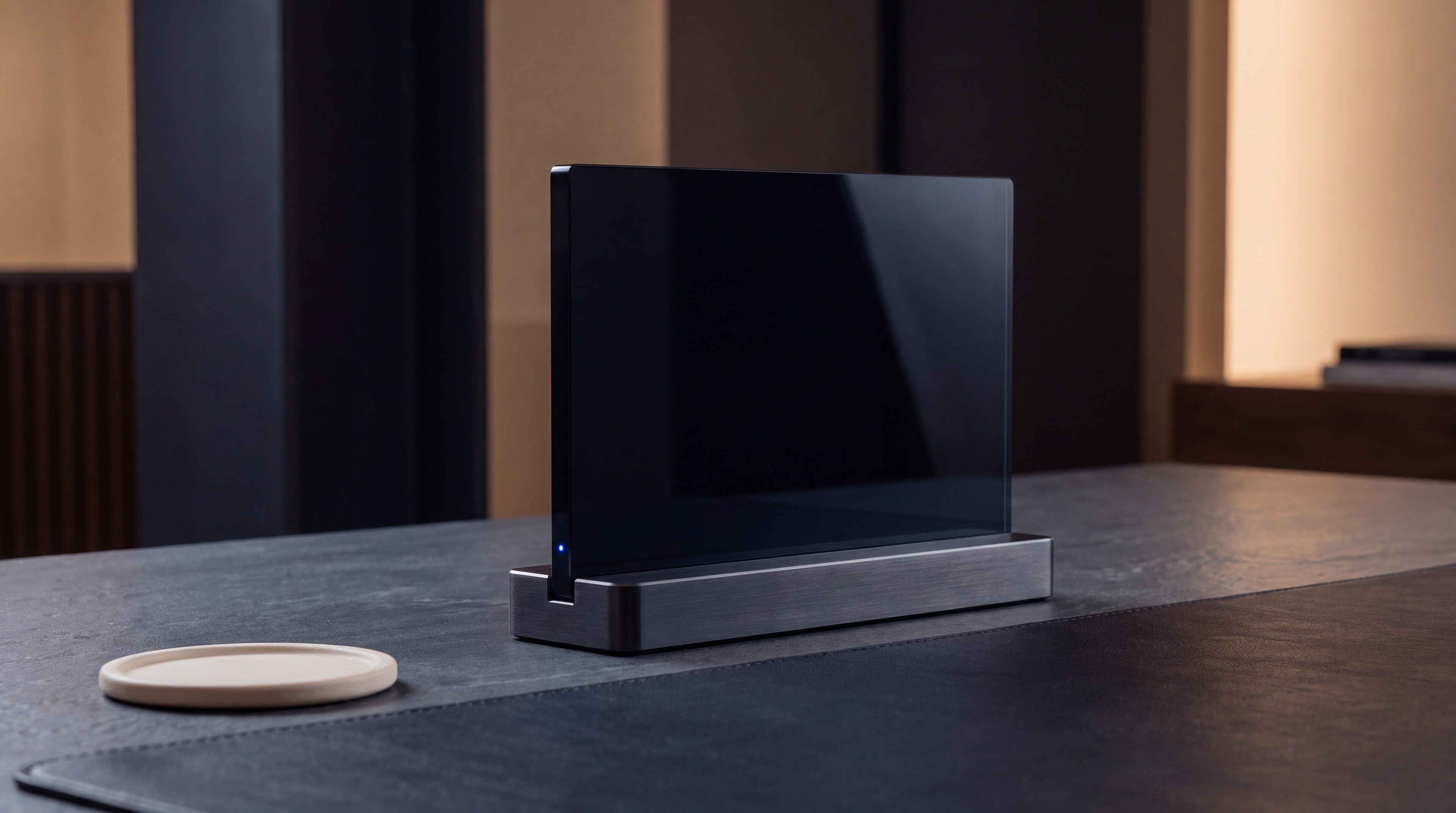
A slim dark glass slab standing in a machined dock with one blue status light

The account in your pocket, guarded like it matters.

iOS · Android

Draft platform targets

Real-time

Position and margin sync

Biometric

Sign-in and confirmations

01

Management first, honestly

A phone is where positions get managed, alerts get answered and opportunities get caught — the full ticket is there when needed, designed for deliberate entries rather than accidental ones.

  • Full position management
  • Complete ticket, deliberate by design
  • Watchlists synced from the desk
Macro of machined aluminium and dark glass seams joined by a blue light channel

Built in-house

Engineering detail is the product, not the decoration.

02

Alerts worth interrupting for

Price levels, margin thresholds and fill confirmations arrive as push notifications that state numbers, not vibes. Configure once at the desk; the phone carries the watch.

  • Price and margin alerts with values
  • Fill confirmations in real time
  • Quiet hours you control

03

Secure because it is a phone

Biometric sign-in, per-device registration, and step-up confirmation for withdrawals and sensitive changes. Losing the handset must never mean losing the account.

  • Biometric authentication
  • Device-level registration
  • Step-up confirmation for sensitive actions

Structured details

FlowFX Mobile in four steps

Step
1. Install
What happens
Official app store listings linked from the portal
Step
2. Register the device
What happens
Sign in once with device confirmation
Step
3. Set the alerts
What happens
Price, margin and fill notifications
Step
4. Manage anywhere
What happens
The desk’s positions, in the pocket

Keep exploring

The next detail should be easy to find.

Frequently asked

Start with the facts.

Answers describe the current published position. Final terms are confirmed per legal entity and shown in the client portal before an account trades.

Full order capability is present — the design simply favours deliberate confirmation flows over one-thumb accidents.

Next step

Use the conditions in view.

Registration creates a FlowFX client portal login. Trading approval follows identity verification and eligibility review.

Create portal access